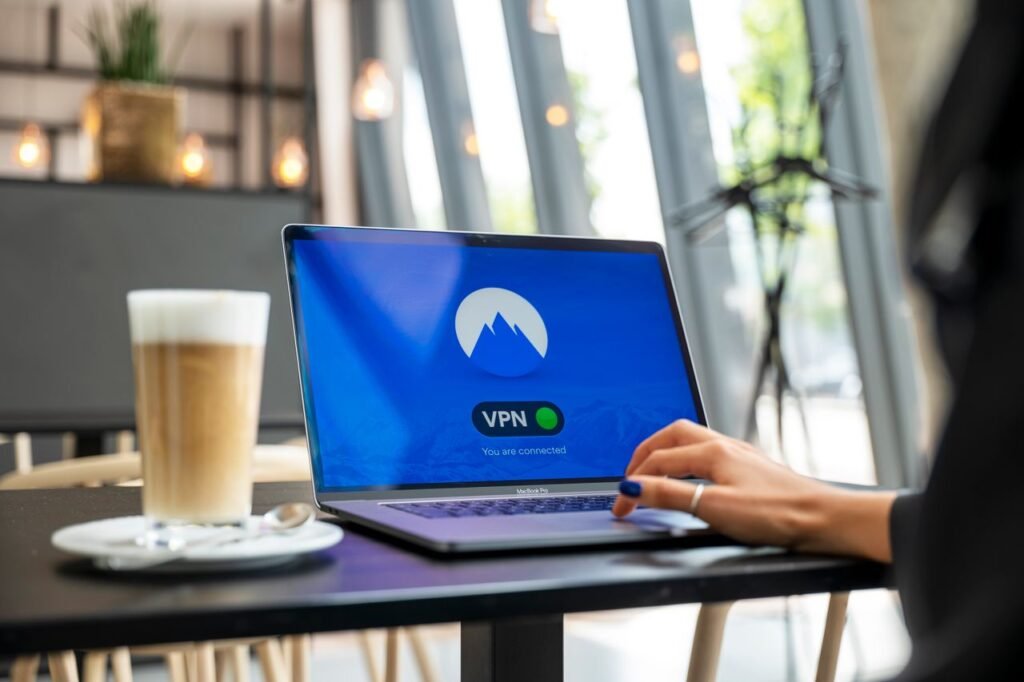
Whether you are catching up on work at a local coffee shop, waiting for a flight at an airport, or staying at a hotel, connecting to public Wi-Fi is undeniably convenient. However, free public networks are inherently insecure. Because they are designed for easy access, most public hotspots lack strong encryption, exposing your device to eavesdropping, data theft, and account hijacking.

Understanding the risks and applying a few essential security measures will keep your personal data, passwords, and online browsing habits private whenever you connect to public Wi-Fi networks.
The Hidden Risks of Unsecured Public Networks
When you join an open Wi-Fi network, anyone else connected to that same network—including cybercriminals—can intercept unencrypted traffic moving to and from your device. The most common threats include:
-
Man-in-the-Middle (MitM) Attacks: Attackers position themselves between your device and the Wi-Fi router, intercepting login credentials, credit card details, and personal emails in real time.
-
Evil Twin Networks: Hackers set up fake Wi-Fi access points with names identical to legitimate hotspots (e.g.,
"CoffeeShop_Free_WiFi"). Once you connect, all your traffic flows directly through the attacker’s machine. -
Packet Sniffing: Using widely available, low-cost software, malicious actors on the same network can capture and read unencrypted data packets transmitted over the air.
-
Malware Injection: Attackers can exploit network vulnerabilities to silently push malicious pop-ups or software updates onto connected devices.
5 Essential Steps to Secure Your Connection
To browse safely on public networks, follow these core security practices to protect your online privacy:
Quick Safety Checklist Before Connecting
Before joining any public hotspot, quickly run through this pre-connection checklist:
-
[ ] Verify the exact network name (SSID) with staff before connecting.
-
[ ] Confirm your VPN is active and connected to a secure location.
-
[ ] Turn off file sharing, AirDrop, and device visibility settings.
-
[ ] Ensure your firewall and built-in system security features are enabled.
-
[ ] Forget the network in your device’s settings once you are done using it.
Maintaining Safe Habits Anywhere
Protecting your digital privacy on public Wi-Fi does not require complex technical skills—it relies on consistent habits. By combining a trustworthy VPN with HTTPS enforcement, 2FA, and cautious browsing habits, you can freely use public networks anywhere in the world without compromising your sensitive personal information.